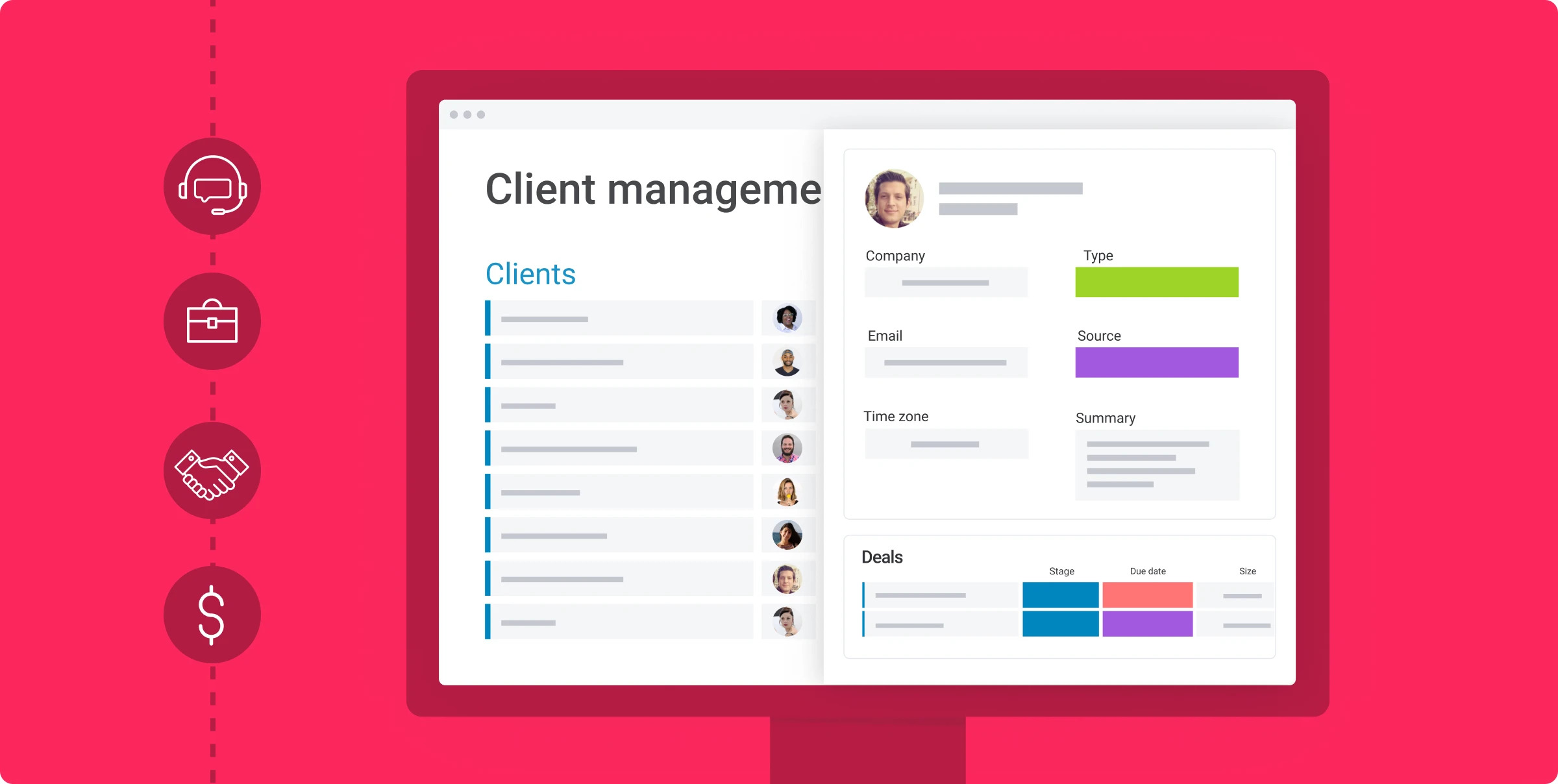
Businesses handle client conversations via e-mail, telephone, meetings, messaging, and follow-up. If you don’t have any records, then valuable information can be distributed on various apps. Teams can miss out on the previous discussions or re-ask questions. By having one central system, it becomes easier to see the client’s activities. It also ensures that employees always have access to the relevant information before responding to customers and provides communication history to be reviewed when managing the customer during their day-to-day operations.
Interaction information can be stored inside of a person’s individual record. Can link communication history to tasks, meetings, notes and follow-ups. But there are differences in software client management features across platforms and integrations. There are features that businesses need to consider when making their choice of a system. Security, usability, reporting and integration options are others. It will need to be up to scratch with business processes and offer authorized teams secure access to accurate client data when required.
What Is Software Client Management?
Businesses can utilize client management software to centralize client information and activities in a single location. Rather than storing data in multiple spreadsheets, inboxes and personal notes, teams can store information in organized client profiles.
Communication history, contact information, tasks, appointments, notes and follow-up activities can be recorded on these platforms. Teams can then go over the relevant information and will then get in touch with a client. This way, there’s more visibility throughout the relationship.
Why Interaction Tracking Matters
There are often significant details in client interactions regarding their expectations, questions, decisions and planned actions. Without this information, it can lead to miscommunication and duplication of effort.
Authorized personnel have more context thanks to a centralized interaction history. Team members can check out previous discussions before they begin one of their own. They are able to now understand what has happened before and what is needed next.
This is especially useful in cases where multiple staff members are talking to the same customer. A common record helps to lessen reliance on personal memory and inboxes.
Which Client Interactions Can Software Track?
Depending on the features and integrations, client management platforms can monitor various sorts of interactions. Typical notes that are recorded include emails, phone calls, meetings, messages, tasks, notes, and follow-up activities.
Before choosing a platform, business users should assess the channels of communication that they actually use. If there is no integration in the system, it may not be able to capture all the interactions automatically.
Emails and Messages
You can link correspondence with the appropriate client profile with the integration of email. The teams can then see the messages that have been sent to them without having to look for them in individual inboxes.
Some are able to track message activity using connected communication tools as well. Timestamps can indicate the time of communication and offer valuable time-related context.
The permissions that are set before connecting communication accounts should be reviewed by the businesses. Without implementing all the necessary measures, not all employees may be allowed to access all client conversations.
Calls and Meetings
Call records can be useful to provide information regarding client communication. Teams can note dates of calls, callers, notes, and tasks related to the call on various platforms.
The minutes of a meeting may consist of meeting notes and an overview of the meeting. Follow-up actions can also be added to meetings by the user.
These records provide a more comprehensive history of interactions. They also provide valuable background to employees prior to future calls/meetings.
Tasks and Follow-Ups
There are typically multiple followup actions for each conversation with a client. A Platform can link tasks and individual client records.
The teams can monitor pending tasks, employee assignments, deadlines, and activities completed. This will minimize the risk of missing out on critical postings.
Task tracking also generates accountability. Managers don’t have to ask for individual updates on outstanding activities.
How Does Software Capture Client Interaction Data?
The activities can be entered by the businesses manually, or they can connect with the system and get the required information from the connected system. How it works will vary from platform to platform and with the integrations they offer.
Manual entries are still good for meetings, calls and key notes on discussion that are not followed by an immediate response. Supported communication channels can benefit repetitive data entry by being reduced by automated tracking.
But there still needs to be proper configuration of automated systems. Mistakes in setting up can result in partial documentation or duplication of data.
Manual Data Entry
Staff is able to insert notes following meetings or phone calls. They can also add contact information and take note of any crucial client requests.
Manual entries enable employees to record context information that automated systems can’t understand. For instance, after a lengthy discussion with a client, an employee can conclude the discussion with a summary of the client’s concern.
When the teams enter information manually, consistency is important. The companies must implement the internal procedures for naming, categorising and updating the information of the clients.
Automated Activity Tracking
There are several platforms that are able to synchronize email accounts and calendars. These can also be used to capture form submissions, communications, and other activities.
Automated timestamps can indicate at which time an interaction has happened. This will generate a timeline without having to enter each activity into the system by the employees themselves.
But automation requires the capability of the integrations and permissions of accounts. Businesses should verify these capabilities, as not all interactions will immediately show up.
How Is Client Interaction History Organized?
Client interaction information typically is found in each client profile. The profiles can include contact information and past communication and current activities.
Interactions can then be displayed in sequence in a chronological timeline. Staff can easily see what has happened recently, without having to use several applications to check it out.
Client Profiles
With a client profile, you can track contact details, company information, interactions, and team members. Some sites even contain present opportunities, tasks and appointments.
Centralised profiles provide employees with a more comprehensive overview of the client profile. They can preview key information which can help them begin a conversation.
Don’t let client records become inaccurate or out-of-date. Even if all information is kept in one place, outdated information can cause confusion.
Interaction Timelines
Interaction timelines are used to present activities in a timeline that includes date and time information. Previous emails, calls, meetings, notes and tasks are visible to employees in the order they occurred.
It is helpful to get a sense of history. It can display when a client has raised an issue and what actions have been taken.
Time lines also facilitate the transfer of accounts. A new worker may examine what has taken place in the past prior to accepting responsibility for the relationship.
How Can Teams Search and Review Client Interactions?
The search and filtering functions enable employees to easily find the information they need about their clients. Users can help locate the records with the use of the filters provided instead of going through all the records.
The activities can be filtered based on the client, date, employee, interaction type or the status. The options available differ from platform to platform.
Search and Filtering
Search functions can find a specific name of the client, a specific activity or a specific record. Filters by date can be used to limit search results to a specific time frame.
Interactions can also be filtered by the team member assigned to the interaction or type of activity. These functions can get more useful as the number of clients’ databases increases.
A good search will save time in the client preparation process. It also eliminates the need to peruse the various disjointed lines of communication.
Interaction Summaries
There are platforms that offer dashboards or activity summaries. These views can display recent communication, open tasks, previous concerns and upcoming follow-ups.
If employees need to inform a client about a summary, they can provide a short summary before going on to greater detail. But workers can still have to check through the specifics of written records for significant accounts.
Businesses have to select the summary features in accordance with their workflow. The amount of information that is required may differ from team to team.
How Does Software Client Management Improve Team Visibility?
Authorized employees have access to interaction records that are shared. It is important if multiple departments are using the same account.
Communication history may be required before going into a discussion of new opportunities. Complaints or requests (if any) may be required. It’s possible that account managers will require both.
Managing Client Handoffs
When information stays in one employee’s hands, it can become challenging for clients to get handed off to another. Centralised record provides the next employee with previous activity.
The new account owner is able to see conversations, tasks and outstanding issues. This decreases the amount of client information the user of the system has to provide.
When you state who is responsible for a task, there is an accountability. Users can view the users who manage some actions and when the actions need to be done.
Maintaining Consistent Client Communication
Communication is key and needs to be accurate and consistent. Staff are to be aware of previous conversations and begin new conversations.
Previous questions, decisions and requests can be displayed in interaction records. This information can help to minimize rephrased questions and non-consistent answers.
But teams are responsible for maintaining accurate records. Just like disconnected systems, poor data quality can cause communications issues.
Can Software Track Follow-Ups and Client Engagement?
Follow up tracking links previous interactions with future interactions. Staff can set reminders, allocate tasks and plan for future communications.
These activities can be managed by software client management in conjunction with the previous interaction with the client. This is to establish a more direct linkage between the past and future.
Frequency of communications can also be viewed in the engagement record. But volume does not mean relationship quality or satisfaction.
Follow-Up Reminders
Employees can be reminded of pending activities with reminder functions. Due dates can be set for teams, and the completion of the due date can be monitored.
These reminders can help to minimise missed follow-ups when it’s busy. They also give managers the insight into the outstanding client activity.
Remember to not give a reminder where one is not needed. Too many notifications can become hard to control and have less value.
Engagement Patterns
Action records can provide details regarding how communication has engaged in the past. Teams may see that communication is happening more often, that activity is reduced, or that there aren’t any communications happening for a long period of time.
These patterns can be used as an aid in account reviews. But businesses should consider activity data in conjunction with the actual feedback and business context.
Low interactions do not necessarily mean low satisfaction. The number of communications some clients need will be less than others.
What Data Security Considerations Matter?
The records of client interactions may include business confidential information and personal information. It is therefore appropriate for business to have proper controls in place with respect to access and data management.
Platform- and configuration-dependent security practices. Prior to sensitive client data being stored, companies should look at the vendor policies.
Access Controls
Information can be restricted based on employee responsibilities with role-based permissions. In the case of a sales representative, for instance, he or she may not have access to all service records.
With robust authentication, there is also a decrease in account access that could be unauthorized. Regularly recheck the parameters that users have access to when their roles change.
If you enable activity monitoring, you can gain extra insight into account activity. The sensitivity of these controls should be at an equivalent level to that of the information being stored.
Data Protection
Risks of unauthorised access can be minimised with secure storage and encryption. Businesses should also conduct their backup and recovery practices.
Data retention policies need to be considered too. Businesses need to be aware of the length of time information is kept and what that deletion entails.
Where, how, and what kind of data is used, and what kind of privacy obligations arise from this, may depend on location, industry, and the type of data. Companies should provide a thorough evaluation of their requirements before choosing the platform and setting it up.
What Should Businesses Consider When Choosing Interaction Tracking Software?
Choices of platforms should be based on real-life workflow needs. The more features a product has, the better it will be, right? The more features a product has the better the product will be, right?
Integrations, usability, reporting, scalability, customization, security and pricing are all other considerations that teams should make. They should also be able to determine what interactions need to be automatically tracked.
Integration Requirements
Communicating via email and calendars can be crucial in client communications. Companies should check for integration of the preferred tools with the platform.
Other business applications, including communication tools, could also need to be integrated as well. How much information is automatically entered into client records can be determined by compatibility.
Implementing integrations needs to be tested before full integration. There will be limits of synchronization and gaps in workflow that can be identified through testing.
Scalability and Usability
As the client database expands, a platform should be left functional. Different permissions and workflow options may be necessary for multiple users.
If there is someone else outside the office who employees interact with, there may be a mobile aspect that could be important. Reporting can also offer a wider view of activities to managers.
Implementation is not an exception where usability is not relevant. If employees are having difficulties with recording or finding information in a complex system, this can result in poor adoption.
Conclusion
Good interaction tracking provides companies with more insight into client interactions and current duties. All of your email, phone calls, meetings, tasks, and follow-ups can be tied in together in one client history in centralized records. Accurate and organized team records can also enhance team visibility through software client management. But companies must consider integrations, security, ease of use, scalability, and data usage when choosing a platform. The right system should be in sync with real-world processes and ensure that authorized teams have access to relevant client data.
FAQs
What are some of the components of client interaction tracking?
Interaction with clients can be tracked by email, phone, meeting, notes, messages, tasks, appointments, and follow-up. The tracking available will be based on platform features and integrations.
Does client management software monitor emails and phone calls?
Supported email and call records can be tracked via integrations with many platforms. But the capabilities are different for each provider: communication, permissions and account setups.
What are some of the benefits of interaction history in relation to client management?
A central history provides employees access to previous conversations and activities. This context can establish uniformity in communication and more seamless account transitions.
Can there be any concerns about the security of client interaction data?
Security is based upon platform, configuration, permissions, authentication, encryption, and business practices. Prior to storing data from clients that may be vulnerable, companies should check on the security of vendors.